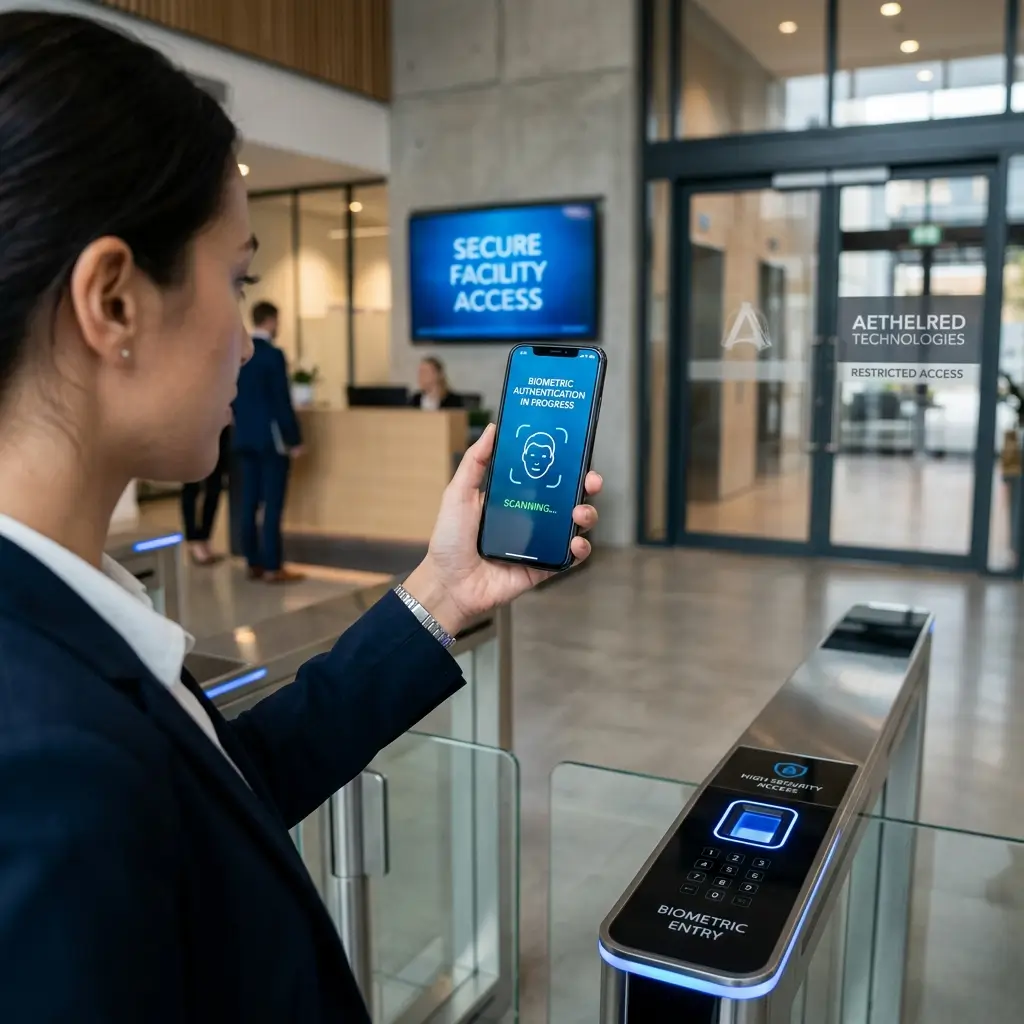
The dissolution of the corporate perimeter is now complete. With distributed workforces operating across home networks, shared workspaces, and public Wi-Fi, the traditional castle-and-moat security model is not just obsolete — it is actively dangerous. Organizations that have not fundamentally rearchitected their security posture for a remote-first world are operating on borrowed time.
Zero Trust: The Only Viable Model
Zero Trust is not a product you buy — it is a security philosophy you implement. The core principle is simple: never trust any request implicitly, regardless of where it originates. Every access request must be authenticated, authorized against least-privilege policies, and continuously monitored.
Implementing Zero Trust for remote teams starts with identity. Your Identity Provider (IdP) — whether Okta, Azure AD, or Google Workspace — becomes the nucleus of your security architecture. Every resource access decision should flow through it, enforced by conditional access policies that evaluate device compliance, user context, and behavioral signals in real time.
Endpoint Protection Is Non-Negotiable
In a remote environment, endpoints are the new perimeter. A single compromised laptop with unpatched vulnerabilities or a missing EDR (Endpoint Detection & Response) agent can become the entry point for a devastating breach. Modern EDR platforms like CrowdStrike Falcon, SentinelOne, or Microsoft Defender for Endpoint provide behavioral AI-powered threat detection that goes far beyond signature-based antivirus.
Device management via MDM/UEM solutions (Jamf, Intune, Workspace ONE) ensures that every device accessing company resources meets a defined compliance baseline — encrypted disk, current OS patches, approved applications. Conditional access policies can be configured to block access from any device that falls out of compliance automatically.
Securing Communications and Collaboration
Remote teams live in their collaboration tools. Slack, Teams, Zoom, and similar platforms have become the de facto operating system of the modern organization — and they are prime targets. Phishing attacks increasingly impersonate these platforms, and insider threat vectors through collaboration channels are growing.
Key controls include enforcing MFA with phishing-resistant methods (FIDO2 hardware keys or passkeys), disabling external federation where not business-critical, auditing third-party app integrations for excessive permissions, and training teams to recognize social engineering attacks that arrive through collaboration channels rather than email.
Building a Security-Aware Culture
Technology controls are necessary but not sufficient. Human behavior remains the most exploited attack vector. Security awareness training that is annual, checkbox-style, and boring does not change behavior. What works is continuous, context-relevant micro-training — short simulated phishing exercises, just-in-time security tips when risky behavior is detected, and a blameless reporting culture that rewards employees for flagging suspicious activity.
Measure your security culture the same way you measure product quality. Track phishing click rates, time-to-report metrics, and MFA adoption rates. Create dashboards visible to leadership. Security culture improves when it is measured, discussed, and tied to organizational outcomes.
Key Takeaway
"Securing a remote workforce is a continuous operational discipline, not a one-time project. The organizations that succeed are those that treat security as a product discipline — with an owner, a roadmap, regular retrospectives, and a clear user: the employee. When security is designed for the humans who need to use it, adoption increases and risk decreases."
Topics